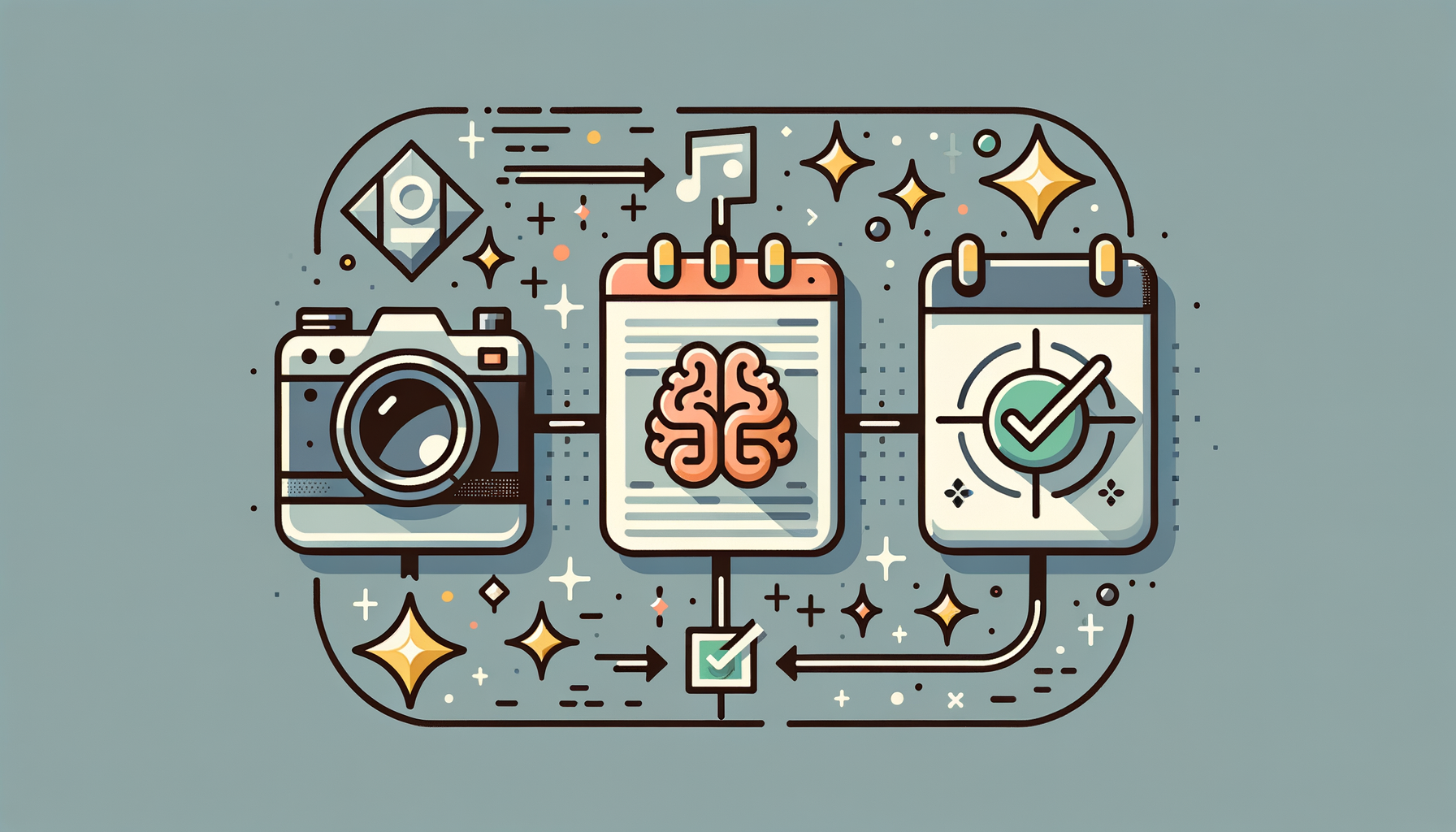
Point your camera at a flyer, screenshot, or whiteboard. EventInk reads it, fills in the event details, and saves it to your calendar — in seconds. Works with Microsoft Outlook and Google Calendar.
How It Works
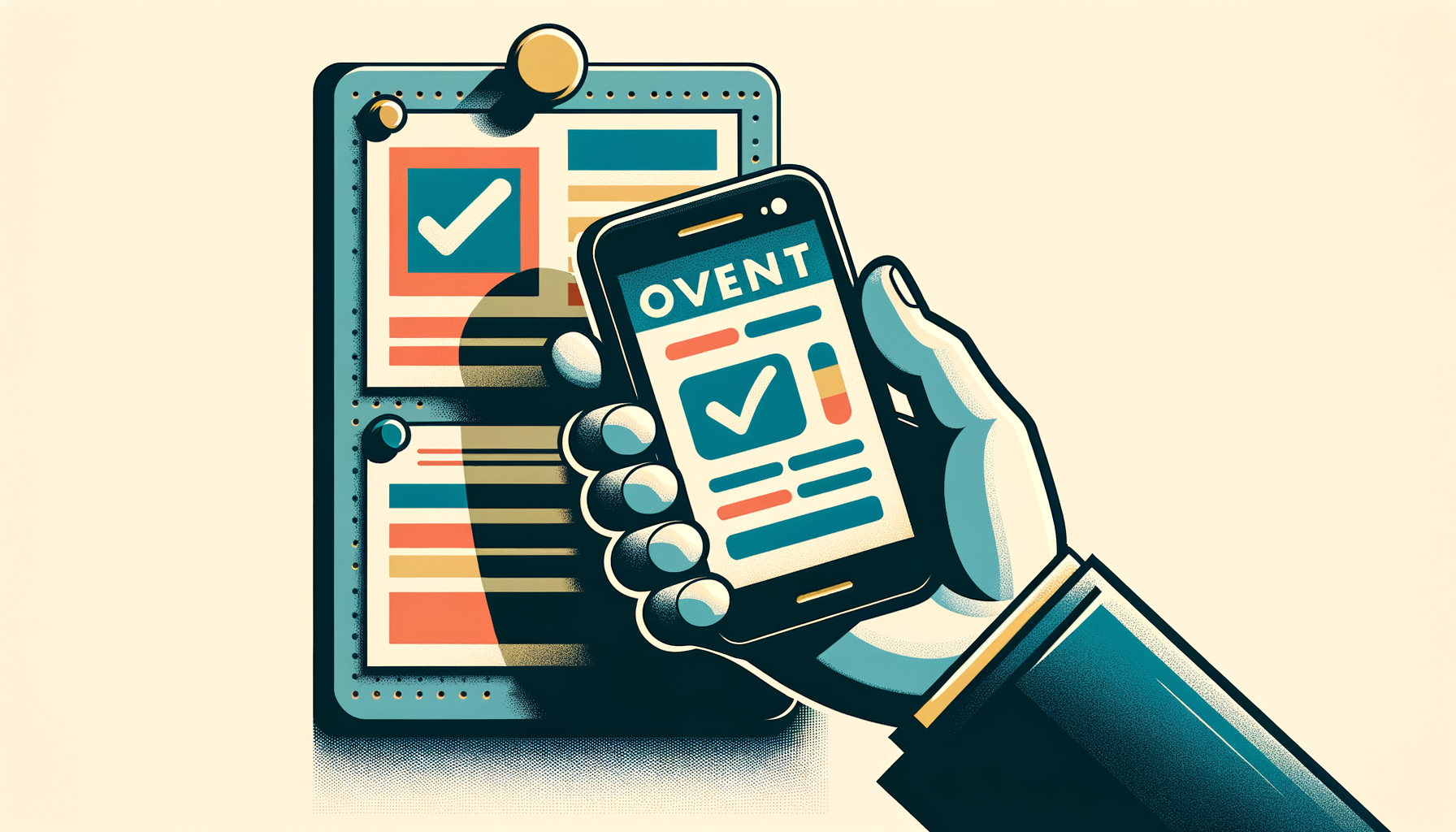
EventInk turns any image with event info into a calendar entry — faster than you could type it yourself.
STEP 1
Snap a photo, share a screenshot, or pick an image from your gallery.
STEP 2
Your chosen AI model reads the image and fills in title, date, time, location, and description.
STEP 3
Review the details, tweak if needed, and save directly to Outlook or Google Calendar with one tap.
Features
Not from a form. From a poster on a wall, a text from a friend, a screenshot in your camera roll.
See an event in another app? Hit Share, pick EventInk, done. Works with screenshots from Instagram, GroupMe, email — anything with a share button.
See exactly how certain the AI is about each field. High confidence? One-tap save. Low? Edit first.
AI suggests travel time and prep buffers. Medical appointment? 30 minutes before. Quick meeting? 5 minutes.
Connect your Microsoft and Google accounts. Pick any calendar from either as your default for one-tap saves, or choose per event.
Need a one-off? Export any event as an .ics file to import into Apple Calendar, Proton, or anything else that reads the standard.
The core loop: point your camera at a flyer, poster, or whiteboard. AI extracts the event. Confirm and save. That's it.
Availability Assistant
Type a natural-language question and EventInk checks your calendar, then returns copy-paste-ready time slots.
You ask
EventInk finds
📋 Copy to clipboard
Event info doesn't arrive in neat forms. It's on a poster in the hallway, a screenshot in a group chat, a text that says "dinner at 7 on Friday."
EventInk meets you where the information is. No copying, no switching apps, no typing the same details you're already looking at.
AI Providers
Pick the model that fits your needs — speed, accuracy, cost, or privacy. Switch anytime.
Privacy-first option: Run your own model locally or on your own server. Zero data leaves your network. Full control over what processes your images.